
This document is an operation guide for troubleshooting copier printer facsimile scanner/internet fax document filing. It provides instructions for system settings before using the machine, as well as operations such as making copies, printing documents, sending faxes, scanning images/sending internet faxes, and saving jobs for reuse. It also includes information about functions for conserving paper, reducing copy mistakes, making copies of specific types of originals, and making copies on specific types of paper.
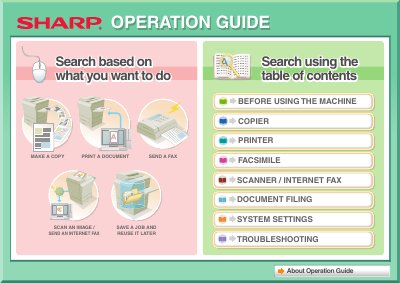
This document serves as an operation guide for the Sharp DX-C311 and DX-C401 machines. It provides instructions on core functions such as making copies, printing documents, sending faxes, scanning images, and filing documents.
The guide also details how to perform system settings, troubleshoot common problems like display issues or authentication errors, and manage user accounts including administrator passwords.
This guide covers making copies, printing documents, sending faxes, scanning images, saving jobs, and sending internet faxes.