
This is an operation guide that introduces how to use copiers, printers, fax machines, scanners, internet fax and other functions
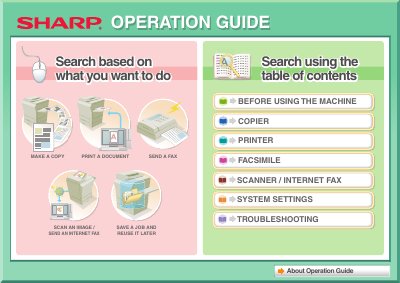
This document serves as the Operation Guide for the Sharp DX-C310 and DX-C400 multifunction machines. It provides instructions on how to perform core tasks such as making copies, printing documents, sending faxes, scanning images, and saving jobs for later use. The guide also details how to utilize specific convenient functions like creating pamphlets, adding dates or page numbers, and adjusting color settings.
The machine allows you to make a copy of this type of original, add the date or page numbers, and assemble output into a pamphlet.
You can copy on envelopes and other special media as well as transparency film.