
This document is the user guide for ADE7816 evaluation board, introduces the features, application methods and usage precautions of evaluation board
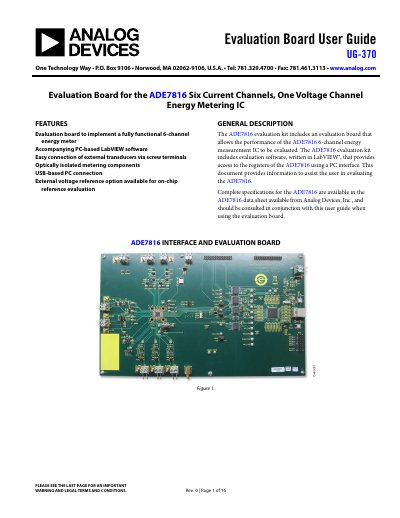
The document provides instructions for using the ADE7816 Evaluation Kit, which includes an evaluation board and PC-based LabVIEW software. The kit allows users to evaluate the performance of the ADE7816 6-channel energy measurement IC by connecting it to a PC via USB.
The guide covers hardware configuration details such as powering the board with an external 3.3V supply, configuring jumpers for different sensor types (current transformers or Rogowski coils), and setting up typical input configurations for voltage and current channels.
| Channels | 6 Current Channels, 1 Voltage Channel |
|---|---|
| Microcontroller | NXP Semiconductors LPC2368FBD 100 |
| Power Supply (External) | 3.3 V |
The kit includes PC-based LabVIEW software that provides access to the registers of the ADE7816 using a PC interface.
Connect P14 of the evaluation board to the USB port of the PC using the cable provided in the kit.
The maximum signal level that can be applied to the VP pin is 0.5 V peak with respect to VN.