
This manual introduces the operation methods of SHARP electronic cash register XE-A505, including basic operations, administrator functions, and troubleshooting.
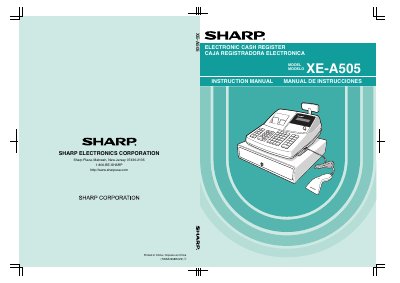
This document is the instruction manual for the Sharp XE-A505 Electronic Cash Register. It provides bilingual support with English instructions followed by a Spanish summary. The guide covers essential topics including parts identification, initialization procedures, barcode scanner usage, and safety precautions regarding power and cleaning.
The manual details operational workflows for both operators and managers. Key functions include basic sales entry (single items, repeat entries, split pricing), tax calculation methods, auxiliary features like discounts and refunds, and correction procedures for voiding transactions. It also includes a comprehensive programming section for setting dates, taxes, departments, and text messages.
The register plugs into any standard wall outlet rated at 120V AC with a tolerance of +10%.
It is recommended to allow each unit to recharge for a period of 24 to 48 hours prior to use.
You must never use solvents such as benzine or thinner when cleaning the unit.