
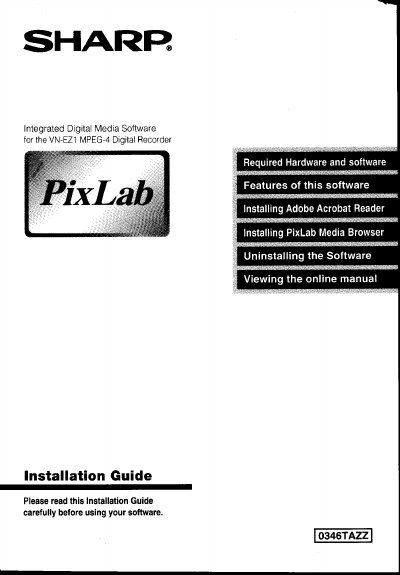
Sharp VN-EZ1 MPEG-4 Digital Recorder PixLab Media Browser Installation Guide


Sharp VN-EZ1 MPEG-4 Digital Recorder PixLab Media Browser Installation Guide - cover page
Brand
Sharp
Document type
Installation Guide
Language
English
Pages
16
File format
PDF
File size
773 KB
Published
02 August, 2012
Updated
21 August, 2012
Model
VN-EZ1
MD5 checksum
2D42A3D05AF13AD16081B57B8DEAB4CE

About this manual

This document is an installation guide for the PixLab Media Browser, a program designed to acquire image data from the Sharp VN-EZ1 MPEG-4 Digital Recorder onto a computer. The software allows users to display lists of acquired data and write stored image data back onto SmartMedia cards.

The guide outlines specific hardware and software requirements necessary for installation, including operating systems like Windows 98 or 95, Pentium processors, sufficient memory, and compatible sound and video cards. It also provides step-by-step instructions for installing Adobe Acrobat Reader and the main PixLab Media Browser application.

What's inside

  • Limited Use Software License
  • Required Hardware and Software
  • Features of this software
  • Contents of the CD-ROM
  • Installing Adobe Acrobat Reader
  • Installing PixLab Media Browser

Frequently asked questions

What operating systems are supported for PixLab Media Browser?

The software requires Microsoft Windows 98 (recommended) or Microsoft Windows 95.

What processor speed is recommended for the VN-EZ1 software?

A Pentium 200 MHz or higher with MMX technology is recommended.

What sound card is required to run the software?

A SoundBlaster or SoundBlaster compatible sound card is absolutely required.

Download PDF (773 KB)

More Sharp Manuals


View all Sharp manuals →