
This is an operation manual for the VN-EZ1 MPEG-4 Digital Recorder, introducing how to use the digital media software for the product.
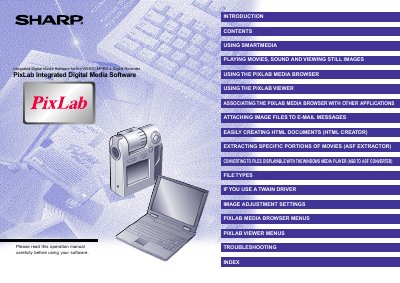
This document provides operating instructions for the PixLab software application designed for the Sharp VN-EZ1 digital recorder. The software suite includes the PixLab Media Browser for managing and viewing images and movies, the Bit Rate Adapter for format conversion, and the HTML Creator for generating web pages from media files.
The manual details procedures for transferring data from the VN-EZ1 to a computer using various adapters, such as the Floppy Disk Adapter (FlashPath) and PC Card Adapter. It also covers specific functions like extracting portions of movies, converting ASB files to ASF, and adjusting image settings using the PixLab Viewer.
You must use a 3.3V SmartMedia card for the software to operate.
The Readme.txt file can be read using the Notepad program provided with Windows.
This manual assumes you already understand how to use Microsoft Windows and the mouse.