
This file is an electronic cash register instruction manual, which mainly introduces the function characteristics, usage methods, etc. of the product
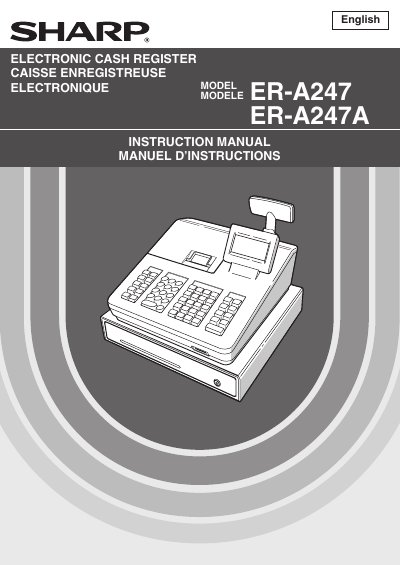
The document serves as a comprehensive instruction manual for the Sharp ER-A247 and ER-A247A Electronic Cash Registers. It covers essential topics including parts identification, selecting operating modes, making various types of entries (sales, refunds, discounts), and performing corrections to transactions.
Additionally, the guide details advanced features such as manager mode access, sales reporting (X/Z reports), electronic journal viewing, and extensive programming capabilities for keyboard layout, departments, PLUs, taxes, and device configuration. It also includes specific instructions for printer maintenance, paper installation, and battery handling.
| Power Supply | 120V AC |
|---|---|
| Battery Type | Two alkaline batteries LR6 (AA size) |
Do not install in locations subject to direct sunlight, unusual temperature changes, high humidity, splashing water, or saline areas.
Two alkaline batteries LR6 (AA size) must be installed after initializing the register.
No, you should not try to repair the register yourself; instead, call your local authorized dealer for service.