
This document is a PDF file about the operational instructions of Sharp commercial calculator. It introduces the usage methods and maintenance methods of the calculator.
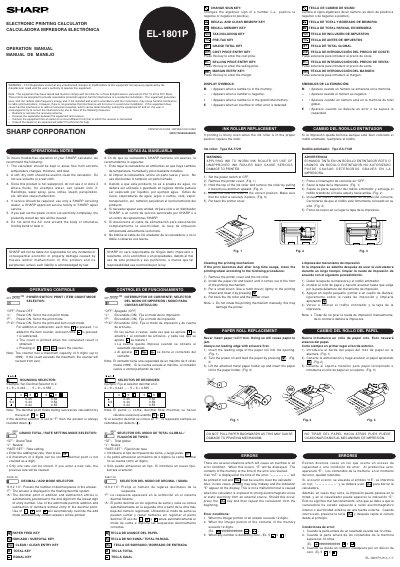
This document provides operational instructions for the Sharp EL-1801P(U1U) electronic printing calculator. It details the functions of various operating controls such as the power switch, rounding selector, and tax settings. The manual also explains how to use specific keys like Change Sign, Recall Memory, and Grand Total. This manual is written in Spanish.
| Item Counter Capacity | 3 digits (up to ±999) |
|---|---|
| Tax Rate Storage | 4 digits |
| Ink Roller Type | EA-772R |
If the count exceeds the maximum, the counter will recount from zero.
Replace the ink roller with a new one of Type EA-772R.
Press the Clear/CE key to clear the calculator.