
Describes how to replace the calculator's ink ribbon
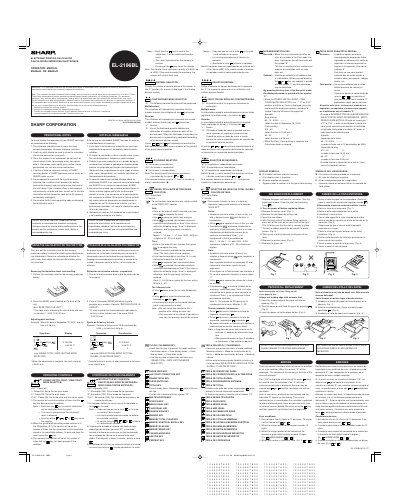
This document is the operation manual for the Sharp EL-2196BL electronic printing calculator. It provides operational notes for maintaining the device, including warnings about environmental conditions and cleaning. The manual details the initial setup process, such as removing the insulation sheet and resetting the unit to initialize the date and time.
If the insulation sheet is not removed, the previously set date, time, and tax rate information will be cleared as soon as the AC power is accidentally unplugged.
The counter has a maximum capacity of 3 digits, which allows it to count up to 999.
The year must be entered as a 4-digit number between 2000 and 2099, or as a 2-digit number between 00 and 99.