
This document is the user manual for the electronic calculator, including items to be aware of before use, product specifications, etc.
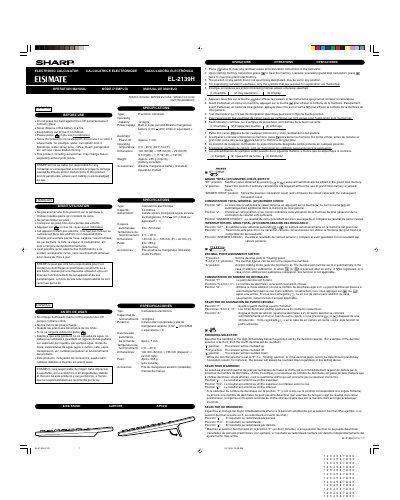
This document is the operation manual for the Sharp EL-2139H electronic calculator. It provides safety warnings regarding battery disposal and water exposure, along with liability disclaimers from the manufacturer.
The guide details the specific functions of various switches on the device, including the Grand Total (GT), Answer Check, Decimal Point Assignment, and Rounding Selector. It explains how to configure these settings for different calculation needs.
| Type | Electronic calculator |
|---|---|
| Capacity | 12 digits |
| Power Supply | Built-in solar cell and Alkaline manganese battery (1.5V DC) LR44 or equivalent x 1 |
| Automatic Power-off | Approx. 7 min. |
| Operating temperature | 0°C - 40°C (32°F-104°F) |
| Dimensions | 140 mm(W) x 195 mmt(D) x22 mm(H) |
| Weight | Approx. 235 g (0.52 Ib.) |
It assigns Adding mode, setting the decimal to 2 automatically for addition/subtraction or after pressing specific keys.
Press the specific key twice to clear any residual values and calculation instructions.
It stores the previous calculation result and compares it with subsequent calculation results.