
The Extech Tachometer is a precision instrument for measuring rotational and linear speeds. This document provides specifications and features of two models of Tachometers. The 461700 Photo Tachometer uses precision optics and reflective tape to measure the RPM of rotating devices, while the 461750 Contact Tachometer uses convex and concave attachments to measure RPM and has a built-in wheel for measuring the linear surface speed of moving devices such as conveyors and treadmills.
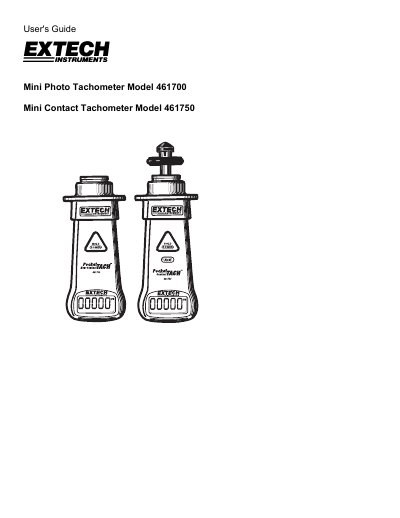
The document provides instructions for using the Extech Mini Photo Tachometer (Model 461700) to measure RPM via reflective tape and the Mini Contact Tachometer (Model 461750) which measures RPM using convex or concave attachments. The Model 461750 also features a built-in wheel for measuring linear surface speed on moving devices like conveyors.
| Display | 5-digit LCD Display |
|---|---|
| Time Base | 4MHz Quartz Crystal |
| Sampling Time (>60 rpm) | 1 second |
| Photo Tachometer Distance | 2 to 12” (5 to 30cm) |
| Operating Temperature | 32 to 122 oF (0 to 50oC) |
| Power supply | 9V Battery |
| Battery Life | 40 hours (approx.) |
| Rotation Measurement Range (Photo) | 10.000 to 99999 rpm |
| Weight (Model 461750) | 5.0 oz. (142g) |
Press and hold the triangular POWER HOLD button for approx. 5 seconds to turn the device OFF.
Touch the wheel attachment to the moving object and read the measurement on the display.
The low battery indicator appears on the LCD.