
This is a combination contact/photo tachometer from Extech, model 461895. The combination tachometer is a patented design that provides contact and non-contact RPM measurements. In addition, linear surface speeds can be measured in ft/min or m/min.
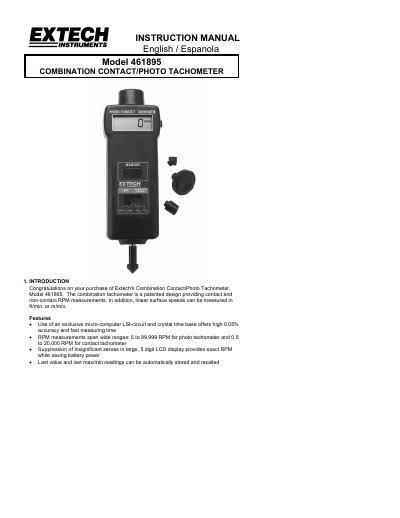
This manual provides instructions for the Extech Model 461895 Combination Contact/Photo Tachometer, a device designed for measuring RPM via contact or non-contact methods and linear surface speeds. The device features a 5-digit LCD display and utilizes a micro-computer LSI circuit for high accuracy.
| Photo Tachometer Range | 5 to 99,999 rpm |
|---|---|
| Contact Tachometer Range | 0.5 to 20,000 RPM |
| Surface Speed Range (ft/min) | 0.2 to 6,560 ft/min |
| Surface Speed Range (m/min) | 0.05 to 1,999 m/min |
| Power Supply | 4x 1.5 V AA (UM 3) batteries |
| Operating Temperature | 32 °F to 122 °F (0 °C to 50 °C) |
Press the Memory button twice and hold it to display the maximum value followed by 'UP'.
The low battery indication appears as a "LO" on the display.
Slide the Function Switch to "SURFACE SPEED m/min" and hold the surface speed wheel against the device.