
This manual contains important safety and operation instructions for correct use of the Extech 80W 3-in-1 Switching DC Power Supply. This power supply is shipped fully tested and calibrated and, with proper use, will provide years of reliable service.
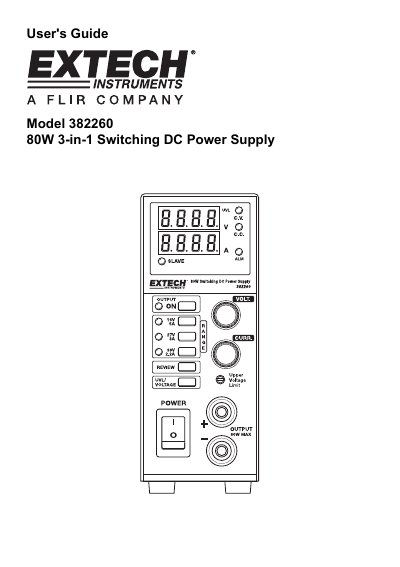
The Extech Model 382260 is an 80W 3-in-1 Switching DC Power Supply featuring three output ranges that function like three separate power supplies in one unit. It is designed for applications including bench testing, field service, hobby projects, and telecommunication equipment use.
| Power Output | 80W 3-in-1 Switching DC Power Supply |
|---|---|
| Voltage Range (Range 1) | 0.0 to 16.40V |
| Ripple and Noise | <30mVp-p |
| Line Regulation | < 4mV/<10mA |
| Load Regulation | < 20mV/<10mA |
| Efficiency | >75% |
| Power Factor | >0.9 |
| Operating Temperature | 10 to 80% RH |
| Dimensions | 330 x 127 x 53.5mm (DxHxW) |
| Weight | 4.2lbs. (1.9 kg) |
Press the UVL/Voltage button and insert a small screwdriver into the UVL adjustment screw, turning clockwise to increase or counter-clockwise to decrease.
They compensate for voltage drop across connecting cables by ensuring the reading at the output display matches the load point.
Set all slaves to maximum limits, switch them to Slave position, connect via Master/Slave control circuit on the back, then turn on the Master first.