
Extech SDL600 Sound Level Meter User's Guide

This document is the user guide for Extech SDL600 Sound Level Meter, which displays and stores sound level readings in the 30 to 130 db range. The meter meets ANSI and IEC 61672 class 2 standards and includes ‘A’ and ‘C’ frequency weighting and FAST and SLOW response time. Logged data readings are stored on an SD card for transfer to a PC.
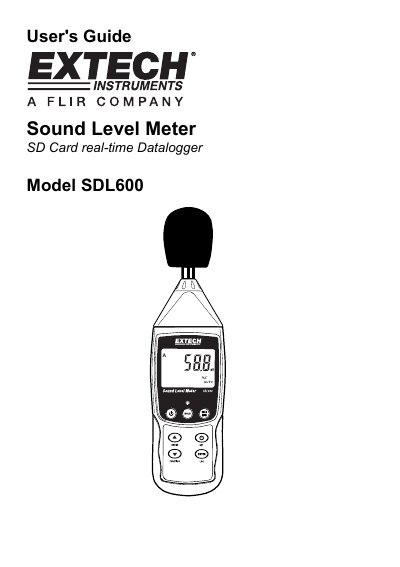

Extech SDL600 Sound Level Meter User's Guide - cover page
Brand
EXTECH
Category
Other Electronics
Document type
User Manual
Language
English
Pages
11
File format
PDF
File size
274 KB
Published
01 August, 2012
Updated
28 September, 2023
Model
SDL600
MD5 checksum
07E221DB944A5F8A61BCCB45FC67F080

About this manual

The Extech SDL600 is a sound level meter that displays and stores readings in the 30 to 130 dB range. It meets ANSI and IEC 61672 Class 2 standards, featuring 'A' and 'C' frequency weighting and FAST/SLOW response times.

What's inside

  • Meter Description
  • Getting Started
  • Basic Operation
  • Frequency Weighting
  • Response Time
  • Data Hold and Peak Hold
  • Max-Min Reading
  • Setup Mode
  • SD Card Formatting

Frequently asked questions

What is the measurement range of the Extech SDL600 Sound Level Meter?

The meter displays and stores sound level readings in the 30 to 130 db range.

What batteries are required to power the Extech SDL600?

The meter is powered by six (6) 1.5VDC 'AA' batteries or by an optional AC adaptor.

How long must you hold the power button to turn the meter on or off?

You must press and hold the power button for at least 1.5 seconds to power ON or power OFF the meter.

Download PDF (274 KB)

More EXTECH Manuals


View all EXTECH manuals →