
This manual introduces the features and characteristics of Extech 382275 (110V) or 382276 (220V) Single Output Laboratory Grade DC Power Supply, including the precise voltage and current adjustment, current limit level setting, remote control and other functions
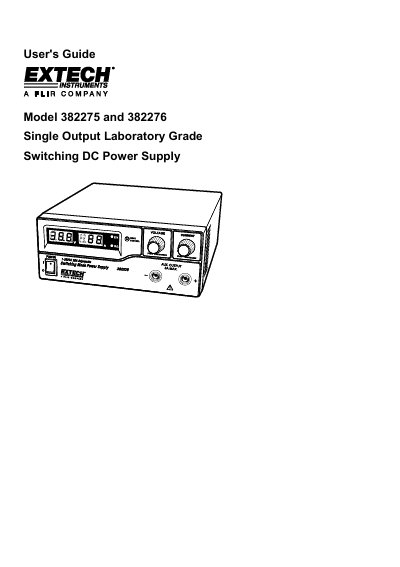
This manual provides instructions for the Extech 382275 (110V) and 382276 (220V) Single Output Laboratory Grade Switching DC Power Supply. It details the features of the dual action rotary encoder, user presets, and remote control capabilities for adjusting voltage and current levels.
| Input Voltage (Model 382275) | 110V |
|---|---|
| Input Voltage (Model 382276) | 220V |
| Main Output Max Current | 20 Amps |
| Auxiliary Output Max Current | 5 Amps |
| Remote Voltage Adjustment Range | 0 to 5V |
The presets are P1 at 5V Maximum, P2 at 13.8V Maximum, and P3 at 25V Maximum.
Listen for the cooling fan when switching on the power supply; it runs at high speed briefly before stopping.
The Over Voltage Protection (OVP) triggers, switching off the output power and displaying an OUP warning.