
This document describes the features of the Extech MO295 Pinless Moisture Meter with Patented Built-in IR Thermometer and 20 Point Memory. The meter can measure moisture in wood and other building materials without surface damage, and it has functions for measuring humidity, air temperature, and infrared temperature. It also provides calculations for humidity and vapor pressure.
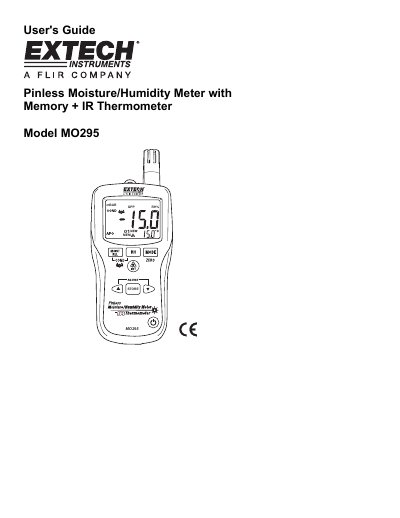
The Extech MO295 is a handheld instrument designed to measure moisture content in wood and other building materials without damaging the surface. It features patented pinless technology alongside a built-in infrared (IR) thermometer for non-contact temperature measurement.
In addition to basic measurements, the device offers advanced calculations including Grains per Pound (GPP), Dew Point, and Vapor Pressure. Users can also utilize condensation detection modes, set alarm limits for humidity and moisture readings, store up to 20 data points in internal memory, and use a remote pin-type probe option.
| Memory Capacity | 20 point internal memory |
|---|---|
| IR Distance to Spot Ratio | 8:1 |
| Fixed Emissivity | 0.95 |
| Power Source | 9V battery |
| Auto Power Off Time | 30 minutes |
Hold the meter so that the rear sensor is away from any surface or your hand. If the reading is not near 0.0, press and hold the ZERO button for more than 2 seconds.
Press the up (▲) and down (▼) buttons simultaneously to display stored readings. Use the up or down button to scroll through the locations.
If a measurement is outside the set limits, the meter will beep once every second for low/high humidity or continuously for high moisture.