
This manual introduces the use of the Extech Hammer Probe. Hammer Probe is used to connect to MO290 Moisture Meter to measure the moisture content of wood and other building materials.
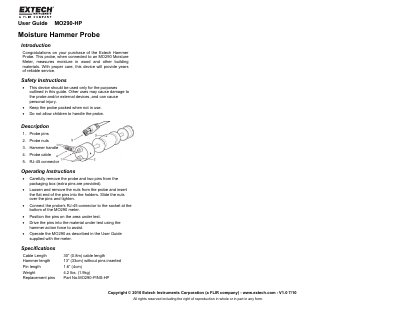
The Extech MO290-HP is a moisture hammer probe designed to be used with the MO290 Moisture Meter. It measures moisture content in wood and other building materials. The device features a hammer action to assist in driving the probe pins into the material being tested.
To use the probe, remove the pins from the packaging and insert them into the probe holders, securing them with nuts. Connect the RJ-45 connector to the MO290 meter and position the pins on the test area. Drive the pins into the material using the hammer action force, then operate the meter according to its specific user guide.
| Cable Length | 30" (0.8m) |
|---|---|
| Hammer length | 13" (33cm) |
| Pin length | 1.6" (4cm) |
| Weight | 4.2 Ibs. (1.9kg) |
It measures moisture in wood and other building materials when connected to an MO290 Moisture Meter.
This probe measures moisture in wood and other building materials when connected to an MO290 Moisture Meter.
The cable length is 30 inches (0.8m).
The probe weighs 4.2 lbs. (1.9kg).