
This document describes the features and functions of the Extech SDL400 Light Meter. This meter is able to display and store light meter readings in three ranges: 2,000 / 20,000 / 100,000 LUX or Foot candles. The meter automatically ranges light meter measurements and the light sensor spectrum meets C.I.E. Additionally, this meter can display and log temperature readings from a connected Type J or Type K thermocouple. Logged data readings are stored on an SD card for transfer to a PC.
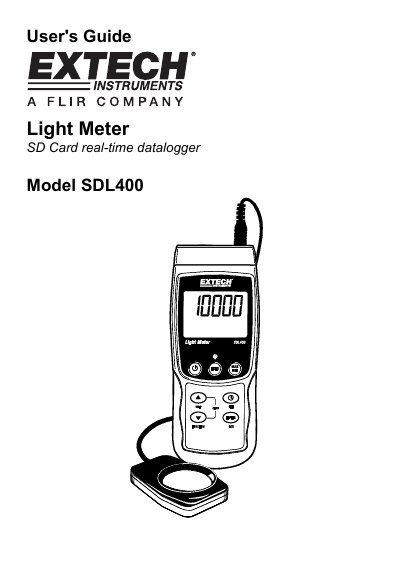
The Extech SDL400 is a light meter that displays and stores readings in three ranges: 2,000 / 20,000 / 100,000 LUX or Foot candles. It features an automatic ranging light sensor that meets C.I.E. standards and can also measure temperature using connected Type J or Type K thermocouples.
Data is logged to an SD card for easy transfer to a PC. The device is shipped fully tested and calibrated, ensuring reliable service with proper use. It supports various setup configurations including time, date, sampling rates, and numerical formats.
| Light Measurement Ranges | 2,000 / 20,000 / 100,000 LUX or Foot candles |
|---|---|
| Thermocouple Types | Type J or Type K |
| Temperature Measurement Range | up to 1300°C (2372°F) |
| Power Source | six (6) 1.5VDC 'AA' batteries or optional AC adaptor |
| Auto Power OFF Time | 5 minutes |
Press and hold the power button for at least 1.5 seconds to turn the meter on or off.
The meter supports Type J and Type K thermocouples for temperature measurement.
Access the Setup menu, select the Sd-F parameter, choose YES, and confirm to format the card.