
This manual introduces the functions and usage of the Extech EasyView Digital Light Meter. This device can measure light level (illuminance), and the measurement range is 40,000 Fc and 400,000 Lux.
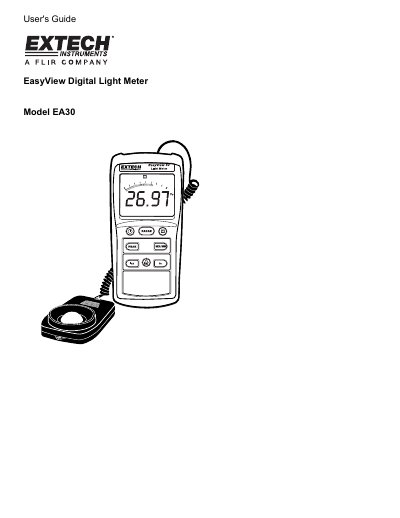
This manual provides instructions for the Extech EA30 EasyView Digital Light Meter, a device designed to measure light levels (illuminance) up to 40,000 Foot-candles and 400,000 Lux. The guide details the meter's features, including peak hold, data hold, and relative measurement modes, as well as battery replacement and sensor care.
| Accuracy (Lux) | ± (3% Rdg + 0.5% FS) |
|---|---|
| Accuracy (Foot-candles) | ± (3% Rdg + 0.5% FS) |
| Display Type | Multi-function 3-3/4 digit LCD with Bargraph indicator |
| Spectral Response | CIE photopic |
| Sampling Rate | 13.3 times per second (bargraph) |
| Photo Detector | Silicon photo-diode with spectral response filter |
| Operating Temperature | 32 to 104 o F (0 to 40 o C) |
| Battery Life | approx 400 hours |
Press the LUX button to select lux units and the fc button to select foot candle units.
Press the PEAK button momentarily to capture light peaks to 100uS and display them on the LCD.
The 'BT' symbol will appear on the lower left-hand side of the LCD.