
This document describes the replacement instructions for the battery cover and gasket on the EasyTouch Wireless control panel.
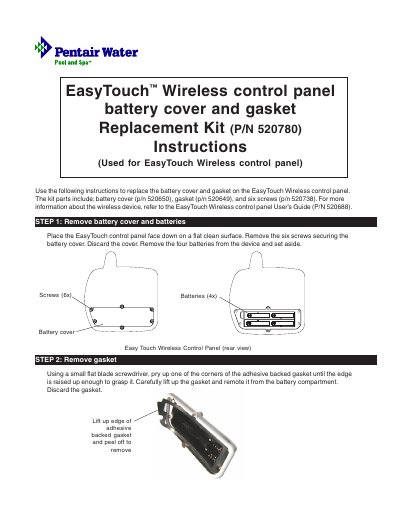
This document provides step-by-step instructions for replacing the battery cover and gasket on an EasyTouch Wireless control panel. The required parts are included in Replacement Kit P/N 520780, which contains a new battery cover (P/N 520650), a gasket (P/N 520649), and six screws (P/N 520738).
The procedure involves removing the old components, installing the new gasket by peeling off the adhesive backing, inserting four batteries with correct polarity, and securing the new battery cover. Finally, users must power up the device to verify that the battery icon displays as fully charged.
The kit includes a battery cover, a gasket, and six screws.
You must load four batteries into the battery compartment.
A check battery message is displayed on the screen.