
This document provides instructions for EasyTouch® wireless setup, clock and date settings, and circuit name assignment. It also describes the features and characteristics of the product.
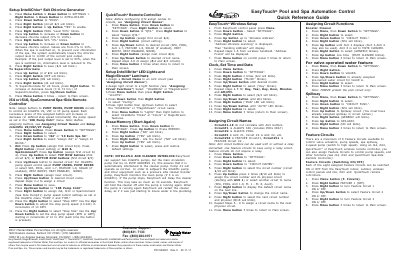
This guide provides step-by-step instructions for configuring the Pentair EasyTouch control panel. Key procedures include performing a wireless address scan to pair handheld remotes, setting the clock and date, and assigning specific names (such as SPA or POOL) to physical circuits.
The document also details how to assign circuit functions like Booster Cleaner, Spillway, and IntelliChlor salt chlorine generator settings. Additionally, it covers configuring remote controllers such as iS4, iS10, QuickTouch, and IntelliBrite LED lights.
Circuit#1 is ALWAYS SPA (includes POOL ONLY) and Circuit#2 is ALWAYS POOL.
There are a maximum of 8 Feature Circuits available to control valve actuators and pump speeds.
Press Menu, go to SETTINGS, press Up until Erase EEPROM blinks, then confirm with Right button twice.