
This document is the Compool® to EasyTouch® Pool and Spa Control System Upgrade Installation and User’s Guide, which provides instructions for installation and use of the product, as well as features and characteristics of the product.
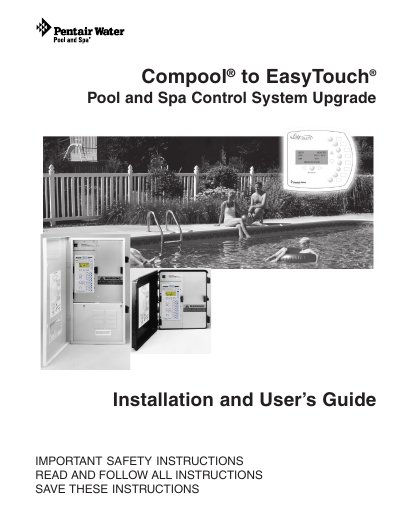
This document serves as an installation and user's guide for upgrading a Compool pool and spa control system to the EasyTouch system. It details the contents of the upgrade kit, safety precautions, and step-by-step instructions for changing the system configuration from a shared equipment setup to a single body system if required. The guide explains how to erase the EEPROM to restore factory defaults before reconfiguration.
| Document Part Number | 521102 |
|---|---|
| Document Revision | Rev B |
| Document Date | 03/15/2010 |
Remove Jumper J25 and erase the EEPROM to restore factory defaults.
Power up the board, press MENU > SETTINGS > Erase EEPROM, select Yes, and press the Right button to confirm.
Symptoms include drowsiness, lethargy, dizziness, fainting, and an increase in internal body temperature.