
This document is the operation manual for the UX-300 facsimile machine. It covers topics such as installation, sending documents, receiving documents, making copies, making telephone calls, answering machine hookup, special functions, option settings, printing reports and lists, maintenance, and troubleshooting.
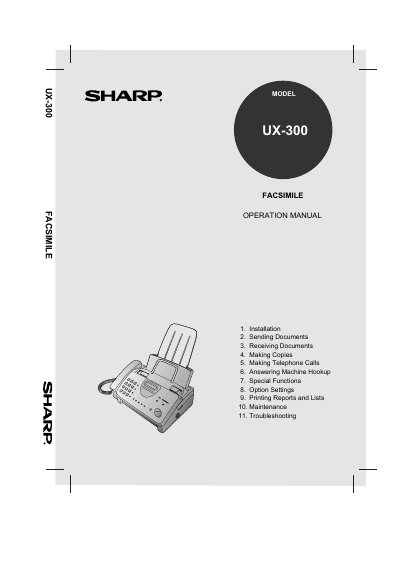
The document serves as a comprehensive guide for operating the Sharp UX-300 Facsimile. It details the features of the device, including automatic dialing, rapid key dialing, and various reception modes such as TEL/FAX/A.M. The manual provides step-by-step instructions for setting up the machine, loading imaging film and paper, and configuring options like speed dialing and distinctive ring.
| Memory size | 512 KB (approx. 30 average pages) |
|---|---|
| Modem speed | 9600 bps with automatic fallback to 7200, 4800, or 2400 bps |
| Resolution Horizontal | 203 pels/inch (8 pels/mm) |
| Paper tray capacity Letter | 60 sheets |
| Power requirements | 120 V AC, 60 Hz |
The initial starter roll included with the fax machine is a 32 ft. (10 m) roll.
The dimensions are Width: 13.5" (343 mm), Depth: 10.1" (256 mm), Height: 7.2" (182 mm).
No, this facsimile machine is not compatible with digital telephone systems.