
NEC MultiSync LCD4010/LCD4610 User's Manual

This manual introduces the functions and usage methods of the LCD monitor.
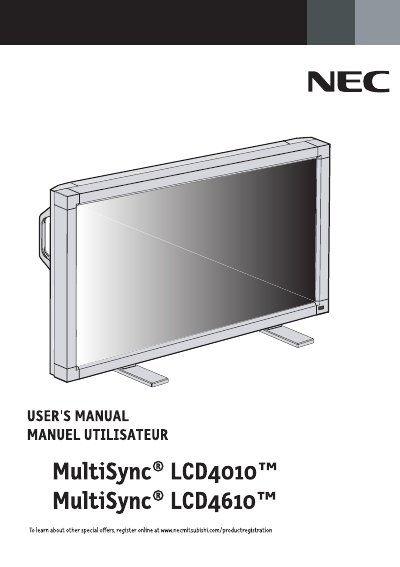

NEC MultiSync LCD4010/LCD4610 User's Manual - cover page
Brand
NEC
Category
Monitor
Document type
User Manual
Language
English
Pages
84
File format
PDF
File size
11.6 MB
Published
11 July, 2012
Updated
30 September, 2023
MD5 checksum
4B125ED2E5DF3C337EF50284E9D2C658

About this manual

The document serves as a comprehensive guide for the NEC MultiSync LCD4010 and LCD4610 color monitors. It details safety precautions, recommended usage, and ergonomic considerations to ensure optimal performance and user comfort.

The manual covers the complete setup procedure, including connecting the monitor to various devices such as PCs, Macintosh computers, DVD players, and stereo amplifiers. It also explains basic operation modes, picture adjustments, audio settings, and advanced configuration options.

What's inside

  • Important Information
  • Safety Precautions
  • Recommended Use
  • Ergonomics
  • Connections
  • Basic Operation
  • Troubleshooting
  • Specifications

Frequently asked questions

What is the recommended warm-up time for optimum performance?

Allow 20 minutes for warm-up.

How should the monitor be positioned to minimize glare?

Position the monitor at a 90° angle to windows and other light sources.

What type of cleaning cloth is recommended for the LCD surface?

Use a lint-free, nonabrasive cloth.

Download PDF (11.6 MB)

More NEC Manuals


View all NEC manuals →