
This manual describes the features and usage of the MultiSync LCD3210 32-inch color monitor.
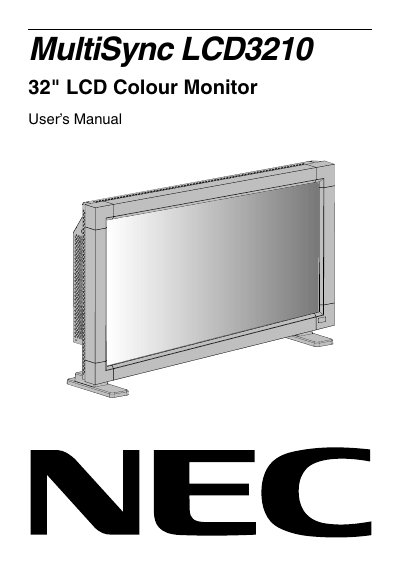
The NEC MultiSync LCD3210 is a 32-inch LCD colour monitor designed for use with personal computers, Macintosh computers, and digital interface equipment. The manual details the contents of the package, including the monitor, power cord, video signal cable, wireless remote control, and mounting accessories.
The document covers safety precautions, setup procedures, and connection methods for various devices. It also explains the functions of the control panel, terminal panel, and wireless remote control, along with instructions for basic operation, picture settings, and troubleshooting.
The manual states that the supplied Power Cord is 3 meters long.
For optimum performance, you must allow 20 minutes for the unit to warm up.
You should focus on an object at least 5 feet away to rest your eyes.