
This document is about the important information of LCD4000 TM, which includes safety precautions, maintenance and recommended use. It also provides instructions on attaching LCD options, control panel functions, terminal panel, wireless remote control operation, setup procedure, connections wiring diagram, and connecting the LCD monitor to various devices such as PC, Macintosh computer, digital output device, VCR, laser disc player, DVD player, and stereo amplifier. Additionally, it explains the features of using the LCD with a personal computer and troubleshooting methods.
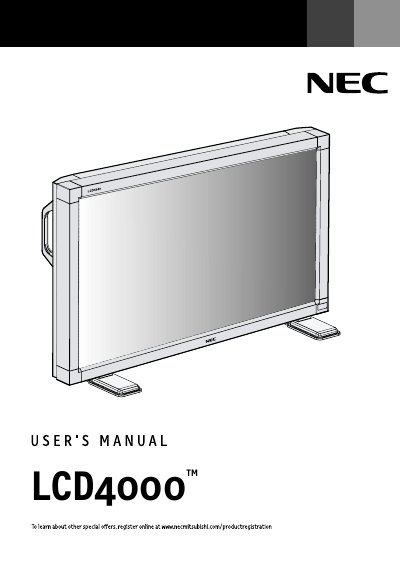
The NEC LCD4000 is a color monitor designed for use with PCs, Macintosh computers, VCRs, laser disc players, DVD players, and stereo amplifiers. The manual details how to unpack the unit, attach optional mounting accessories like tabletop stands or wall mounts, and connect various video sources using the included D-SUB cables.
The ambient temperature must remain below 40 degrees Celsius to ensure proper heat dispersion.
The cord or chain must be sufficient to support approximately 31.5 kilograms.