
This manual describes the functions and usage of the MultiSync LCD4010 40-inch LCD color monitor and the MultiSync LCD4610 46-inch LCD color monitor.
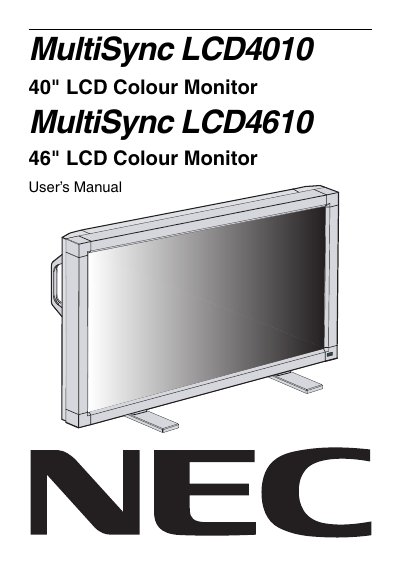
This document is the user's manual for the NEC MultiSync LCD4010 (40-inch) and MultiSync LCD4610 (46-inch) LCD colour monitors. It covers safety precautions, recommended use, and ergonomic guidelines to ensure optimum performance and prevent damage.
The guide details how to mount the monitor, connect it to various devices such as personal computers, Macintosh computers, DVD players, and stereo amplifiers using different interfaces including VGA and digital outputs. It also explains basic operation features like power management, picture size adjustment, on-screen menu controls (OSM), and troubleshooting common issues.
| Product Type | Computer Monitor |
|---|---|
| Models Covered | MultiSync LCD4010 (L404G6) / MultiSync LCD4610 (L464G7) |
The manual covers the MultiSync LCD4010 (model L404G6) and the MultiSync LCD4610 (model L464G7).
You should clean the LCD monitor surface with a lint-free, non-abrasive cloth and avoid using any cleaning solution or glass cleaner.