
This is a quick start guide that introduces the features of Lowrance GPS and MP3 player.
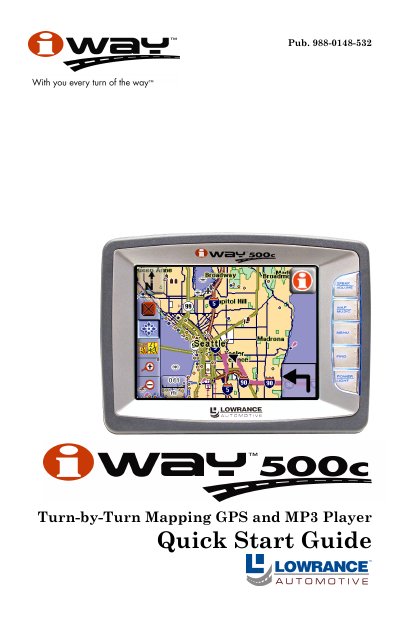
The Lowrance iWAY 500C is a turn-by-turn mapping GPS unit that also functions as an MP3 player. It features a pressure-sensitive touch screen controlled by five side buttons for power and mode switching between Map and Music modes.
In Map Mode, the device displays current position with a moving map, allowing users to drag maps, zoom in/out, and view route directions. In Music Mode, it plays MP3 and Ogg Vorbis files from a connected drive using play control buttons on the screen.
The unit is capable of playing both MP3 and Ogg Vorbis music files.
To change between these two main modes of operation, press the MAP/MUSIC button.
If no playlist or song has been chosen, the unit will automatically generate a playlist from all songs on your music drive.