
This document introduces the models and features of the IDEAL series document shredders produced by Krug & Priester. These document shredders have different security levels and features, such as automatic reverse function, safety protection, and long-term availability of spare parts.
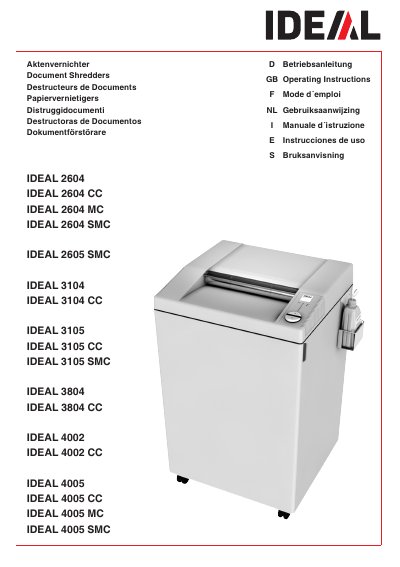
This document provides operating instructions for the IDEAL 4002 paper shredder. It outlines the definition of normal use, specifying that the machine is suitable for destroying paper and can handle small quantities of staples and paper clips on hardened steel cutting shafts, though this depends on the specific security level.
Yes, its hardened steel cutting shafts are unaffected by small quantities of paper clips and staples.
Paper clips and staples must be removed from the paper before it is shredded in this case.
It may partially destroy small quantities of these items, but you must check www.ideal.de to see if your specific model can handle them.