
Sharp XE-A202 Electronic Cash Register Instruction Manual

This manual describes how to use the SHARP Electronic Cash Register, Model XE-A202.
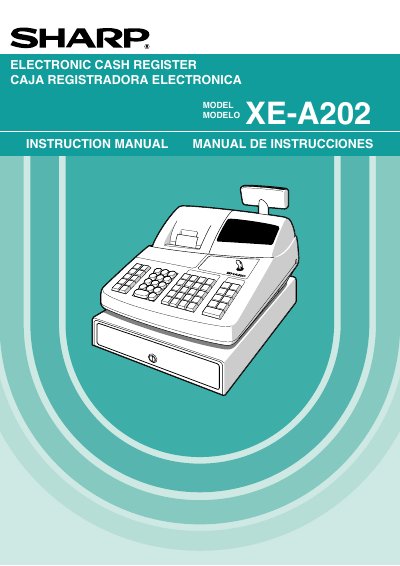

Sharp XE-A202 Electronic Cash Register Instruction Manual - cover page
Brand
Sharp
Category
Office Equipment
Document type
User Manual
Language
English
Pages
108
File format
PDF
File size
1.6 MB
Published
09 July, 2012
Updated
13 October, 2026
MD5 checksum
FD3C6677E6F93A3058731F9AB708E56E

About this manual

This manual provides comprehensive instructions for the Sharp XE-A202 Electronic Cash Register. It covers essential topics such as the introduction, parts and functions, getting started, and the flow of daily sales entries for operators. The guide also details how to perform basic sales, handle cash or check tendering, and manage charge or mixed-tender sales.

What's inside

  • Introduction
  • Parts and Their Functions
  • Getting Started
  • Basic Sales Entry
  • Tax Calculation
  • Optional Features
  • Correction of Entries
  • Programming
  • Operator Maintenance
  • Specifications

Specifications

Power Requirement120V AC +10%
Printer TypeThermal printer
Battery TypeAA batteries

Frequently asked questions

Where are the model and serial numbers located?

These numbers are located on the right side of the unit.

What should be done if the register malfunctions?

Call 1-800-BE-SHARP for service; do not try to repair it yourself.

Can the register be operated with wet hands?

No, never operate the register with wet hands as water can cause component failure.

Download PDF (1.6 MB)

More Sharp Manuals


View all Sharp manuals →