
This document introduces the features and design of the PLC-XU105 multimedia projector, including its compact size and weight, 360-degree projection capability, and compatibility with various computer output signals.
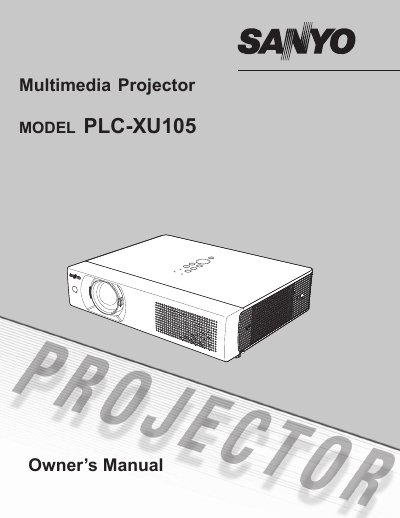
The Sony PLC-XU105 Multimedia Projector is designed for portability and ease of use, featuring a compact size, 360-degree projection capability, and a matrix LCD technology with 16.77 million colors. It supports various input signals including computers and video equipment, and includes useful functions such as digital zoom, blackboard projection, and power management to maintain lamp life. The device offers a multilanguage menu and security features like key lock and PIN code protection.
| Display Technology | matrix liquid crystal display (LCD) |
|---|---|
| Resolution | Up to UXGA resolution |
| Projection Angle | 360-degree |
| Menu Languages | 16 languages |
| RGB Inputs | 2 Inputs |
Yes, blackboards can be used as a projection screen, but the board color is limited to Green.
You can use the Power management function which reduces power consumption and maintains the lamp life.
Yes, it accepts 6 Color systems including PAL, SECAM, NTSC, NTSC4.43, PAL-M, and PAL-N.