
Introduces the basic operating methods and precautions for AR-163 copiers
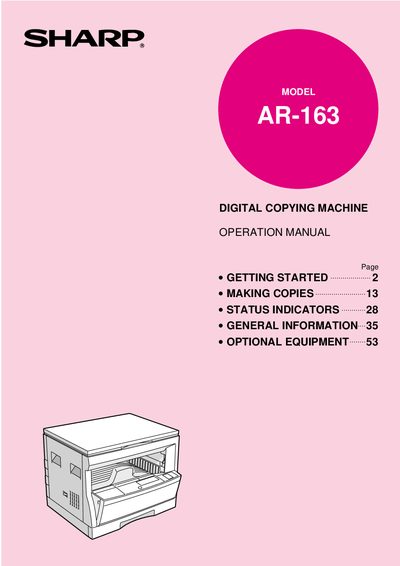
This document serves as the operation manual for the SHARP AR-163 digital copying machine. It guides users through the machine's introduction, main features, and part names and functions. The manual details how to install the copier, load paper, and perform various copying tasks such as reduction/enlargement, two-sided copying, and zoom functions. It also explains how to use status indicators, replace toner cartridges, and handle misfeeds.
| First-copy time | 7.2 seconds |
|---|---|
| Copying speed | 16 copies/min. |
| Resolution | 600 dpi |
| Zoom range | 50% to 200% |
| Continuous copying | 99 sheets |
| Toner save mode reduction | approximately 10% |
| Paper tray capacity | 250 sheets |
| Laser wavelength | 785 nm ±10 nm |
The first-copy time is only 7.2 seconds, except in a power save mode or immediately after power on.
The machine supports continuous copying of a maximum of 99 sheets.
Yes, it can be used as a laser printer by installing an optional printer expansion kit.