
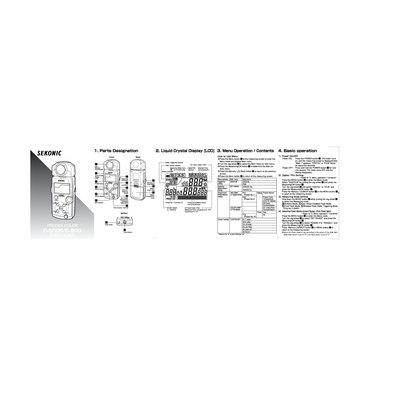
Sekonic C-500/C-500R ProDigi Color Quick Service Manual


Sekonic C-500/C-500R ProDigi Color Quick Service Manual - cover page
Brand
Sekonic
Category
Other Electronics
Document type
User Manual
Language
English
Pages
2
File format
PDF
File size
3.6 MB
Published
09 July, 2012
Updated
25 July, 2012
Models
C-500, C-500R
MD5 checksum
8962063D115FDC0CB8836A1DFC16B33A

About this manual

This document provides instructions for the Sekonic C-500/C-500R ProDigi color meter. It details how to power the device on and off, navigate the menu system using the Jog wheel, and select between Digital and Film measurement modes. The manual explains various settings including flash range, white balance, and color temperature adjustments.

What's inside

  • Parts Designation
  • Power ON/OFF
  • Digital/Film Setting
  • Measuring Mode Selection
  • Display Mode
  • Color Temperature Setting
  • Measurement Methods
  • Memory Function
  • Custom Settings
  • Exposure Compensation

Specifications

Color Temperature Range2,500K to 10,000K
Wireless Flash Triggering ChannelsCH 1 to 32
Auto-Reset Cordless Flash Mode Ready Time90 seconds

Frequently asked questions

How do I lock the Jog wheel to prevent accidental changes?

Hold down the PRESET button and the MODE button simultaneously until "LOC" appears on the screen.

How do I store a measurement as a standard value?

Take a measurement and press the Memory/BACK button; the "M" icon will blink to indicate the value is stored.

Download PDF (3.6 MB)

More Sekonic Manuals


View all Sekonic manuals →