
L-308DC is a light meter of Lejing, supports HD_CINE, CINE, PHOTO three modes, supports 1/2, 1/3 gear adjustment, supports Lux, FC two simplified illuminance display modes, supports shutter speed priority, simplified illuminance mode, frame rate setting mode, frame rate priority, simplified illuminance mode, shutter speed priority mode, auto-reset mode
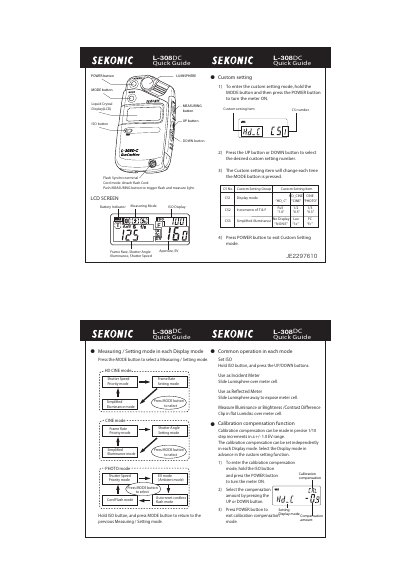
The document is a one-page quick guide for the Sekonic L-308DC DigiCineMate. It details the functions of the POWER, MODE, MEASURING, UP/DOWN, and ISO buttons, as well as the LCD screen indicators.
It explains how to enter custom settings and calibration compensation modes by holding specific buttons while powering on or adjusting values. The guide also describes different measuring modes (HD CINE, PHOTO) and methods for using the device as an incident or reflected meter.
| Calibration range | +/- 1.0 EV in 1/10 step increments |
|---|
Hold the MODE button and then press the POWER button to turn the meter ON.
Hold the ISO button and press the POWER button to turn the meter ON.