
Little Red Box and Little Blue Box are the first in a brand new line of solution-based products from DiGiCo. These boxes allow you to connect your D-Rack or MaDiRack to two SD9s, or your SD9 and MADI console (SD8, SD7 or even a D-Series) with a D-Rack. The application examples in this manual show the connections and console settings necessary for a number of common setups. In the diagrams, the following conventions apply: Blue arrows = CAT5e connections; Green arrows = BNC MADI connections; Double headed arrows = Bidirectional connections; Single headed arrows = One way connections; Red Text = information on console Audio Sync settings. IMPORTANT NOTE: All examples in this manual use SD9 consoles with internal clocks. If using a console with an external clock, you may need to adjust the audio sync settings.
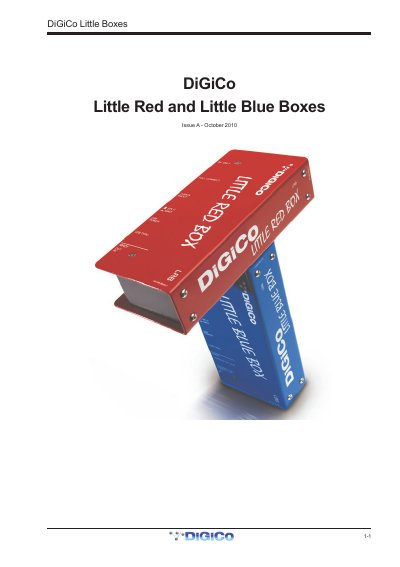
The DiGiCo Little Red Box and Little Blue Box are solution-based products designed to allow connection of a D-Rack or MaDiRack (such as DiGiRack, MiNiRack) to two SD9 consoles, or an SD9 and another MADI console. These boxes facilitate rack sharing setups using CAT5e connections for the Red Box and BNC MADI connections for the Blue Box.
The manual details the power requirements, digital audio clocking settings, and operational modes for both devices. It provides specific application examples showing how to configure consoles for Full Control (containing analogue gain) versus Receive Only modes, ensuring proper Audio Sync Master/Slave relationships between multiple consoles sharing a single rack.
| CAT5e Cable Length Limit | 100m |
|---|---|
| Included Cable Length | 2m |
The overall CAT5e cable length should not exceed 100m.
The Little Red Box has SPLIT MODE for sharing one D-Rack via CAT5e, and MADI MODE for sharing a rack with MADI connections.