
This document is a guide to DiGiCo Waves operation, providing information about the use and features of DiGiCo Waves MultiRack SoundGrid Outboard Processing Host for Live Applications. It includes instructions on connecting the console to the SoundGrid network, setting preferences and Waves I/O, inserting racks into channels, adding plugins for sound processing, snapshots, creating processing groups, and saving and recalling configurations.
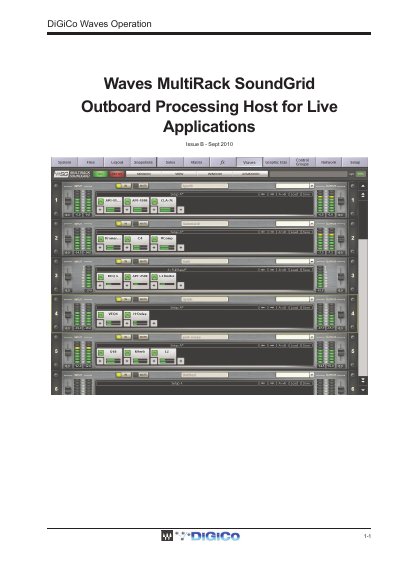
This manual describes the DiGiCo Waves 1-1 MultiRack SoundGrid, an outboard processing host designed for live sound applications. It integrates with the SD Console software to allow users to run low latency Waves plugins directly on the console. The system consists of hardware upgrades for the SD Console and a Waves SoundGrid Server, connected via Gigabit ethernet.
| Max Racks (SD8 and SD9) | 16 mono or stereo racks |
|---|---|
| Max Racks (SD7) | 32 mono or stereo racks |
| Max Plugins per Rack | 8 plugins |
| Network Connection | Gigabit ethernet |
| Cable Type | CAT5e or better |
| Latency | less than 1ms |
Recall Safe mode allows you to set specific Racks or plug-ins to a state that will be recalled automatically when a snapshot is loaded.
The system supports up to 32 mono or stereo racks on the SD7.
Each rack can contain a chain of up to 8 plugins.
Connections must use standard CAT5e or better network cabling.