
This document is a user manual for DiGiCo SD Rack, introduces the features and characteristics of the product, including power, clocking, cards, splits and gain tracking
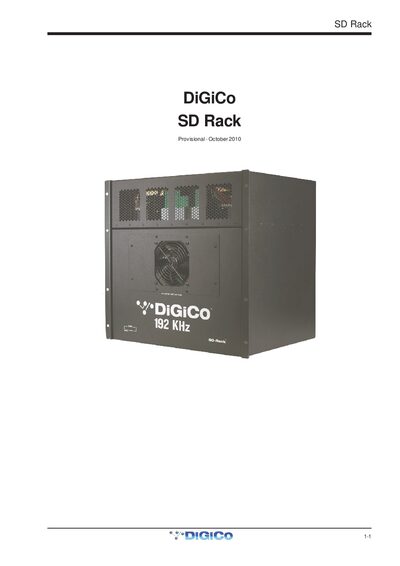
The DiGiCo SD Rack 1-1 is a modular I/O rack designed for use with DiGiCo consoles, offering dual redundant hot‑swappable power supplies and flexible clocking options.
The manual covers power supply operation, clock sources, available I/O cards, split and gain‑tracking functions, and detailed menu‑system navigation for configuring sync source, sample rate, routing mode, Optocore settings and more.
| Power supplies | Dual redundant hot‑swappable |
|---|---|
| Maximum I/O cards | 14 |
| Maximum inputs/outputs | 56 inputs and 56 outputs |
| Supported sample rates (48/96 kHz) | 48 kHz, 96 kHz |
| Supported sample rate (192 kHz) | 192 kHz |
| Clock sync sources | Console, internal, external word clock |
The SD Rack has dual redundant hot‑swappable power supplies.
Press and hold the left and right arrow buttons for about 2 seconds; the display changes from “Locked” to “Unlocked”.
You can select 44.1 kHz, 48 kHz, 88.2 kHz, 96 kHz, 176 kHz and 192 kHz (when the rack sync source is internal).
The rack can hold up to 14 I/O cards, providing up to 56 inputs and 56 outputs.