
This manual describes the installation instructions for the SIRIUS Connect SC-H1 Satellite Radio Tuner.
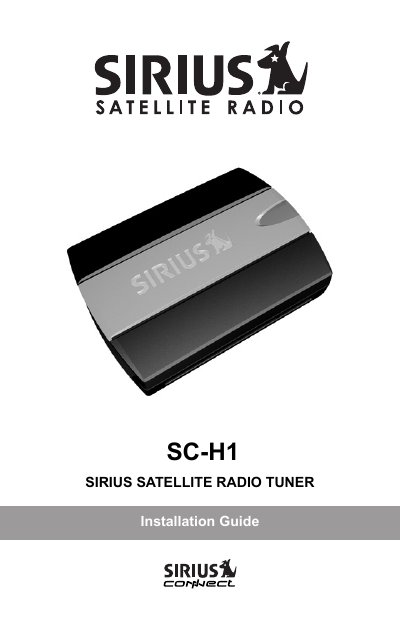
This document provides installation instructions for the SIRIUS Connect SC-H1 Satellite Radio Tuner. It details how to mount the unit on a wall or flat surface and explains the proper placement of the windowsill antenna to ensure optimal signal reception based on geographic location.
The guide covers wiring connections using the supplied DIN cable, including scenarios where an AC power adapter is required if the host receiver does not supply power. Finally, it outlines the steps for activating the SIRIUS subscription by locating the 12-digit SID and registering online or via phone.
You must locate the 12-digit SID on a sticker or the bottom of the tuner and register it online at https://activate.siriusradio.com/ or call 1-888-539-7474.
A minimum of 3 bars of either satellite (SAT) or terrestrial (TER) signal strength is required, and the antenna must have a clear view of the sky in the direction of the satellites.