
This document describes how to activate the Sirius Stiletto 100 radio.
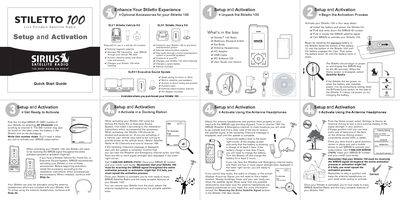
This document provides instructions for setting up and activating the Sirius Stiletto 100 Live Portable Satellite Radio. It details how to find the device's unique ID number, choose between activating via a docking station or antenna headphones, and complete the subscription activation process by calling customer service.
The guide also explains basic operations including using Internet Radio, accessing the Library of saved content, playing Radio Replays, and managing recordings via the Love button. It includes descriptions of physical controls such as the Power/Lock switch, Media Dial, and Select button.
| Product Type | Live Portable Satellite Radio |
|---|
Call 1-888-539-SIRIUS (7474) with your SIRIUS ID and credit card.
The device displays the Sirius dog logo for 40-60 seconds after the battery is installed.
You must slide and hold the Power/Lock switch down for 5 seconds to power the device off.
You can record a timed block of the current live broadcast for up to 6 hours.