
This document provides instructions and safety precautions for using the SampleTrak ST-224. It includes information on power requirements, environmental considerations, handling precautions, and guidelines for connecting cables and input/output jacks.
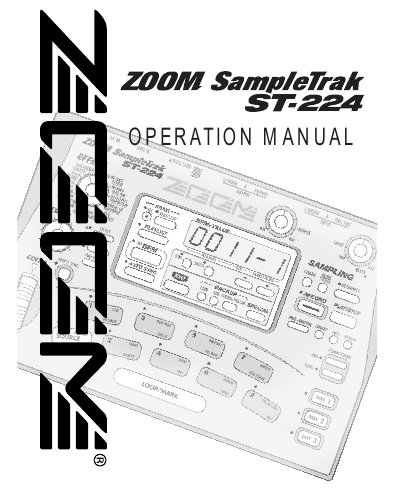
The ZOOM SampleTrak ST-224 is a versatile sampler featuring eight pads across three banks, an internal sequencer for creating eight songs, and a playlist function for DJ-style playback. It supports stereo and mono sound quality settings and includes 22 powerful built-in sound effects.
| Number of Pads | Eight pads (x three banks) |
|---|---|
| Sound Effects | 22 powerful sound effects |
The ST-224 is powered by the supplied AC adapter and should not use any other kind.
The unit must be powered by the supplied AC adapter, and using any other kind of adapter could cause malfunction or safety hazards.
You must not use abrasive cleansers, wax, or solvents like paint thinner or cleaning alcohol because they may dull the finish or damage the surface.
The built-in sequencer allows you to memorize a pad playing session to create eight original songs.