
This document introduces the features and usage methods of C01 model studio condenser microphone.
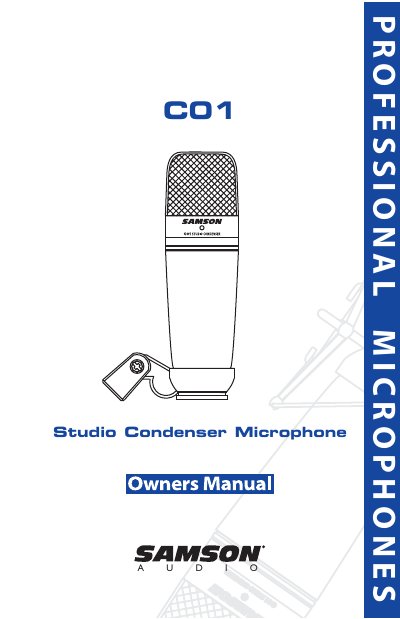
The Samson C01 is a large-diaphragm studio condenser microphone featuring a 19mm ultra-thin diaphragm capsule and a hyper-cardioid pickup pattern. It includes a swivel stand mount and carry case, designed for accurate sound reproduction in various applications such as vocals, acoustic instruments, and overhead cymbals.
This document provides step-by-step instructions for powering the microphone using phantom power, adjusting signal levels to avoid clipping, managing P-popping, and mounting the unit on a standard mic stand or an optional SP01 shock-mount.
| Diaphragm Size | 19mm ultra thin diaphragm capsule |
|---|---|
| Pickup Pattern | Hyper Cardioid |
| Phantom Power Range | 36-52 Volt |
The C01 requires phantom power, which is standard on most quality mixers and hard disk recorders. A blue LED will illuminate when phantom power is present.
The C01 uses a hyper-cardioid pickup pattern, which offers even more side-to-side rejection than standard cardioid microphones.
Raise the mic trim control until the PEAK LED lights up, then turn it down slightly so the LED does not light any more.