
Introduces the use of Uniden BC95XLT radio, precautions, etc
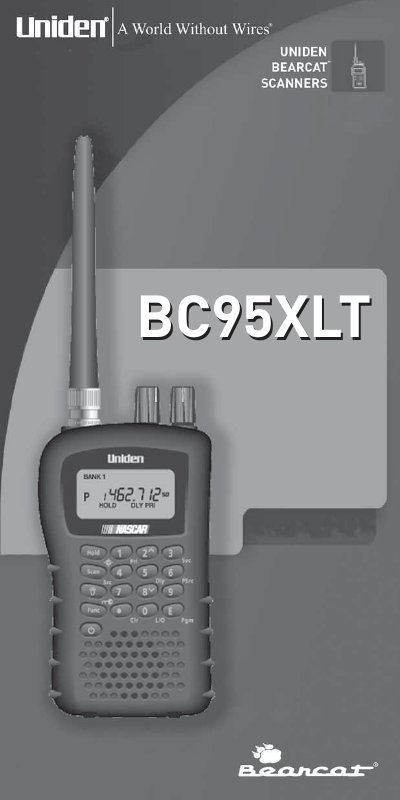
This document is the operating guide for the Uniden BC95XLT handheld scanner. It provides instructions on setting up the device, including using internal batteries or AC power, connecting antennas and earphones, and utilizing belt clips. The manual details how to operate scanning functions such as storing frequencies, searching active channels, and using special features like Close Call RF Capture Technology.
| Channels | 200 |
|---|---|
| Banks | 10 (20 channels each) |
| Frequency Range | 25.0-956.0 MHz |
| Scan Rate | 50 channels per second (max) |
| Search Rate Normal | 60 steps per second (max) |
| Power Requirements | 2 AA Alkaline Batteries or AC Adapter (6 VDC 500mA) |
| Antenna Impedance | 50 ohms |
No, this scanner is manufactured not to tune to radio frequencies assigned for cellular telephone usage.
No, Uniden does not represent this unit to be water-proof and warns against exposing it to rain or moisture.
You must use only a monaural earphone with this scanner to avoid potential hearing damage.