
Before using this scanner, please read and observe the following precautions. This scanning radio has been manufactured so that it will not tune to the radio frequencies assigned by the FCC for cellular telephone usage. The Electronic Communications Privacy Act of 1986, as amended, makes it a federal crime to intentionally intercept cellular or cordless telephone transmissions or to market this radio when altered to receive them. The installation, possession, or use of this scanning radio in a motor vehicle may be prohibited, regulated, or require a permit in certain states, cities, and/or local jurisdictions. Your local law enforcement officials should be able to provide you with information regarding the laws in your community. Changes or modifications to this product not expressly approved by Uniden, or operation of this product in any way other than as detailed by this Operating Guide, could void your authority to operate this product. Be sure to use only a monaural earphone or 32 Ω stereo headset. Use of an incorrect earphone or stereo headset might be potentially hazardous to your hearing. The output of the phone jack is monaural, but you will hear it in both headphones of a stereo headset. Set the volume to a comfortable audio level coming from the speaker before plugging in the monaural earphone or a stereo headset of the proper impedance (32 Ω). Otherwise, you might experience some discomfort or possible hearing damage if the volume suddenly becomes too loud.
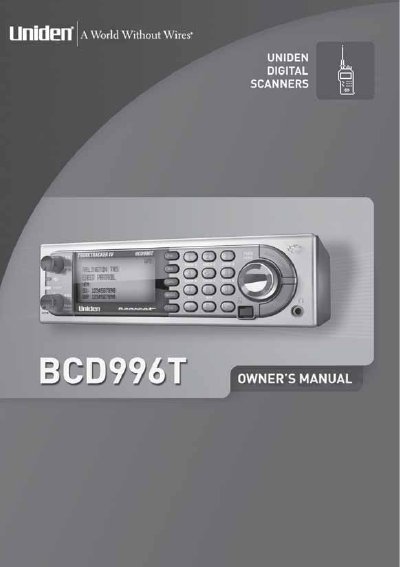
This document is the official operating guide for the Uniden BCD996T portable scanner. It provides comprehensive instructions on setting up the device, including base station configuration, vehicle installation options (DIN-E sleeve or ISO), and connecting external accessories like antennas, earphones, and GPS units.
The manual details how to program conventional and trunked radio systems, manage memory storage limits, and utilize advanced features such as Auto Store, Priority Scan, Close Call alerts, and Weather Alert (SAME). It also covers troubleshooting, care and maintenance, and legal considerations regarding scanning.
| Earphone Impedance | 32 Ω |
|---|---|
| Warranty Period | One-Year Limited Warranty |
No, Uniden does not represent this unit to be waterproof.
Yes, but you must use one with 32 Ω impedance; otherwise, volume may become too loud.
Memory corruption may occur, so do not unplug it while memory is accessed.