
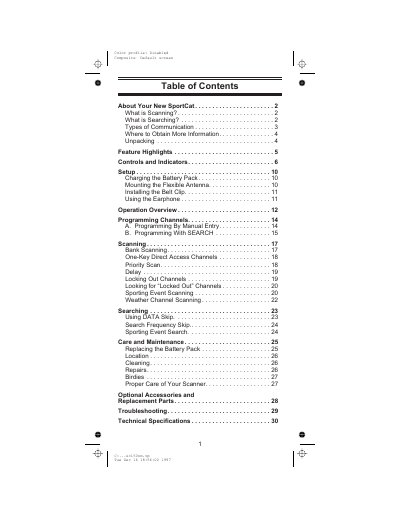
This document is the user manual for SportCat scanner. It introduces the basic functions and usage methods of the scanner.
The Uniden SC150 SportCat is a state-of-the-art information radio featuring automatic scanning capabilities. It stores frequencies into 10 banks of 10 channels each and supports super fast Turbo Scan speeds to monitor nearly 100 channels per second. The device covers 12 preprogrammed bands, including VHF Low, Aircraft, Military Land Mobile, Amateur Radio, UHF Standard, and Public Service 800 MHz bands.
| Frequency Coverage Range | 29.0 - 956 MHz |
|---|---|
| Scan Speed | Nearly 100 channels per second |
| Search Speed | Selectable between 100 and 300 steps per second |
| Band Count | 12 Bands |
Scanning monitors programmed channels until an active frequency is found, whereas searching finds active frequencies on preprogrammed bands that have not been stored in memory.
The scanner can store 100 channels total, organized into 10 banks of 10 channels each.
The scanner resumes the scanning cycle until another transmission is received, or it waits for a delay period if activated.