
The BCi25D is an APCO Project 25 Digital Card that enables you to monitor APCO Project 25 Systems. When the BCi25D card is installed into either the BC785D or the BC250D, the card converts digital voice communications into analog. This conversion allows you to monitor conversations. Uniden’s P-25 solution allows you to monitor conventional P-25 digital voice, trunked with analog control channel (3600 Baud) and P-25 digital voice and mixed-mode analog control channel (3600 Baud) with mixed analog and P-25 digital voice.
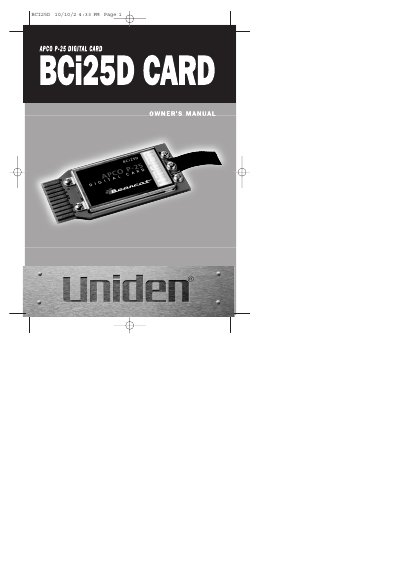
The Uniden BCi25D is an expansion card designed to convert digital voice communications into analog audio. It allows users to monitor APCO Project 25 systems when installed into specific scanner models, the BC785D or the BC250D.
The document details the installation procedures for both compatible scanner types, emphasizing precautions such as discharging static electricity and ensuring the card is inserted with the label facing up. It also includes troubleshooting steps for common issues like failure to receive digital voice.
The BCi25D card is designed to be installed into either the BC785D or the BC250D scanner.
The card converts digital voice communications into analog audio to allow monitoring of APCO Project 25 systems.
The card must be inserted with the label facing up.