
The BC780XLT is a state-of-the-art radio with TrunkTracking™ and automatic scanning capabilities. It can store frequencies such as police, fire/emergency, marine, railroad, air, amateur, and other communications into 10 banks of 50 channels each.
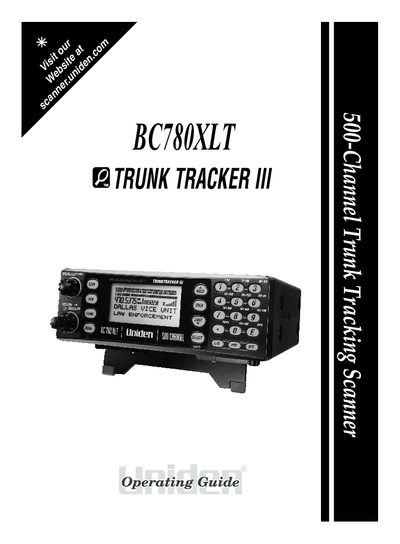
The Uniden BC780XLT is a state-of-the-art radio with TrunkTracking™ and automatic scanning capabilities. It can store frequencies for police, fire/emergency, marine, railroad, air, amateur, and other communications into 10 banks of 50 channels each. The device supports VHF High Band, UHF, 800/900 MHz Trunked Public Safety Systems, NOAA Weather Broadcasts, Business/Industrial Radio, Utilities, Marine and Amateur Bands, and the Air Band.
| Supported Systems | Motorola, EDACS and LTR Systems |
|---|
It is a feature that allows the scanner to automatically track trunked radio systems.
Turn off the "Key Beep" by pressing MENU + C1 + G + @.
Call the Customer Service Hotline at 1-800-297-1023.