
This document describes how to store contacts and numbers on a telephone, including storing a name and number, storing a pause, changing a stored number, deleting a stored number, and copying caller ID memories to user memory.
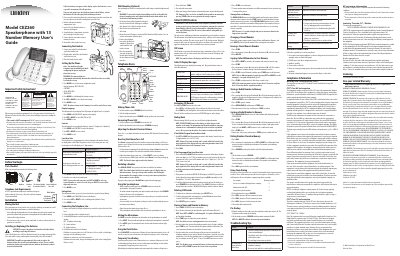
This manual provides instructions for storing contact information in memory locations (0-9 or A-C) and managing redial/pause functions. It details the process of saving names up to 12 characters and phone numbers up to 32 digits using the STORE button sequence.
The guide also covers Caller ID features, including reviewing call logs, dialing back incoming numbers, and handling incomplete data or blocked calls. Additionally, it includes troubleshooting tips for issues like no dial tone and safety instructions regarding electrical usage.
A pause is 3 seconds in length.
When the memory is full, a new call automatically replaces the oldest call in memory.
If the name you want to enter is longer than 12 characters, only the first 12 characters will be copied into memory.