
Uniden UDC-5M Digital Camera Instruction Manual

This instruction manual introduces the use of Uniden UDC-5M digital camera.
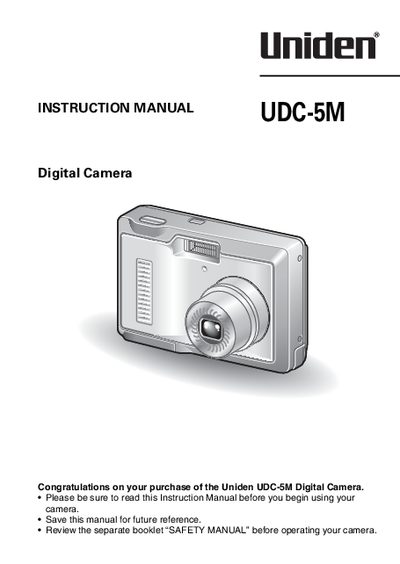

Uniden UDC-5M Digital Camera Instruction Manual - cover page
Brand
Uniden
Category
Telephone
Document type
User Manual
Language
English
Pages
134
File format
PDF
File size
1.5 MB
Published
05 July, 2012
Updated
30 September, 2023
MD5 checksum
529A83F1502FDF25A07972FF8C55DC47

About this manual

The document is an instruction manual for the Uniden UDC-5M digital camera. It guides users through initial setup, including installing batteries and turning the device on. The guide explains how to switch between still image shooting and video clip recording modes, noting that the camera does not record sound.

What's inside

  • Getting Up and Running
  • Shooting
  • Playback
  • Quick Search by Operation
  • Using the Scene Function
  • Flash Setting
  • Self-Timer
  • Zoom
  • Exposure Correction
  • ISO Sensitivity

Frequently asked questions

Does this camera record sound?

No, the camera does not record sound.

Where is the battery cover located?

The battery/card cover is located on the bottom of the camera.

Download PDF (1.5 MB)

More Uniden Manuals


View all Uniden manuals →