
Uniden BT230 Bluetooth Headset User's Guide

This document is the user manual for BT230 Bluetooth headset
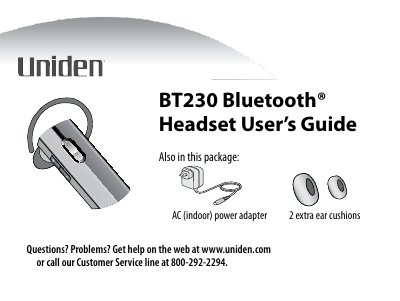

Uniden BT230 Bluetooth Headset User's Guide - cover page
Brand
Uniden
Category
Telephone
Document type
User Manual
Language
English
Pages
20
File format
PDF
File size
518 KB
Published
05 July, 2012
Updated
30 September, 2023
MD5 checksum
D7A00677E1B33C9EA54D3AC2F6268100

About this manual

The document provides a comprehensive guide for the Uniden BT230 Bluetooth headset. It details how to charge the device using the included AC adapter, pair it with mobile phones (using PIN code 0000), and connect automatically upon power-up. The manual explains the functions of the LED indicators and various buttons, such as the Multi-function button for answering calls, voice dialing, and call transfer.

What's inside

  • Getting to Know the Headset
  • What the LED Colors Mean
  • What the Buttons Do
  • Setting Up Your Headset
  • Charge the Battery
  • Pair the Headset to Your Bluetooth Phone
  • Connect to Your Phone
  • Using Your Headset
  • Troubleshooting and Maintenance
  • FCC Notice

Specifications

Battery TypeLithium-polymer battery
Charging Timeabout 2 hours
Pairing PIN Code0000

Frequently asked questions

What does the red LED indicate when steady?

A steady red light means the headset is currently charging.

How long does it take to fully charge the headset battery?

It takes about 2 hours to charge the battery until the red LED turns off.

What PIN code should be entered when pairing the headset with a phone?

You should enter the PIN code 0000 when pairing the headset.

Download PDF (518 KB)

More Uniden Manuals


View all Uniden manuals →