
EZChrom Elite is a software system for data acquisition, processing, and control of HPLC and GC systems. It supports a variety of instruments and configurations to meet the needs of different laboratories.
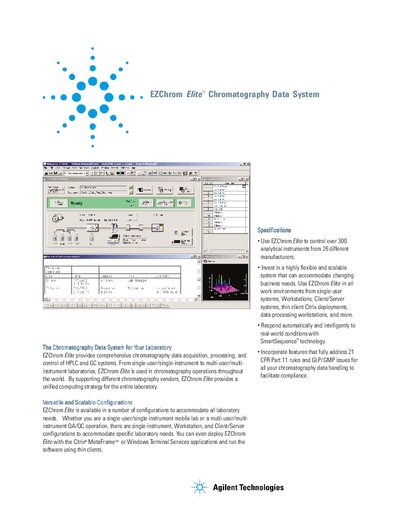
EZChrom Elite is a chromatography data system for laboratories that supports HPLC and GC instruments from many vendors. It offers flexible configurations ranging from single‑user workstations to client/server and thin‑client deployments, including Citrix and Windows Terminal Services.
The manual details the system’s comprehensive data analysis, SmartSequence automation, security features for 21 CFR Part 11 compliance, and validation tools, as well as options for custom reports and extensive instrument control.
| Supported instruments | over 300 analytical instruments from 26 manufacturers |
|---|---|
| Regulatory compliance | 21 CFR Part 11, GLP/GMP |
| Automation technology | SmartSequence™ |
Yes, it can control over 300 analytical instruments from 26 different manufacturers, including Agilent, Waters, Shimadzu and others.
Yes, the software includes features that fully address 21 CFR Part 11 rules and GLP/GMP requirements.
Yes, the system allows creation of custom‑made reports and custom parameters for tailored output.